 Planet Fitness · Updated Nov 2, 2026
How to cancel Planet Fitness
See every click it takes to cancel Planet Fitness, recorded on a real account.
 ZuzuBusiness Account
Cancel Planet Fitness step by step
You'll need your Planet Fitness login.
-
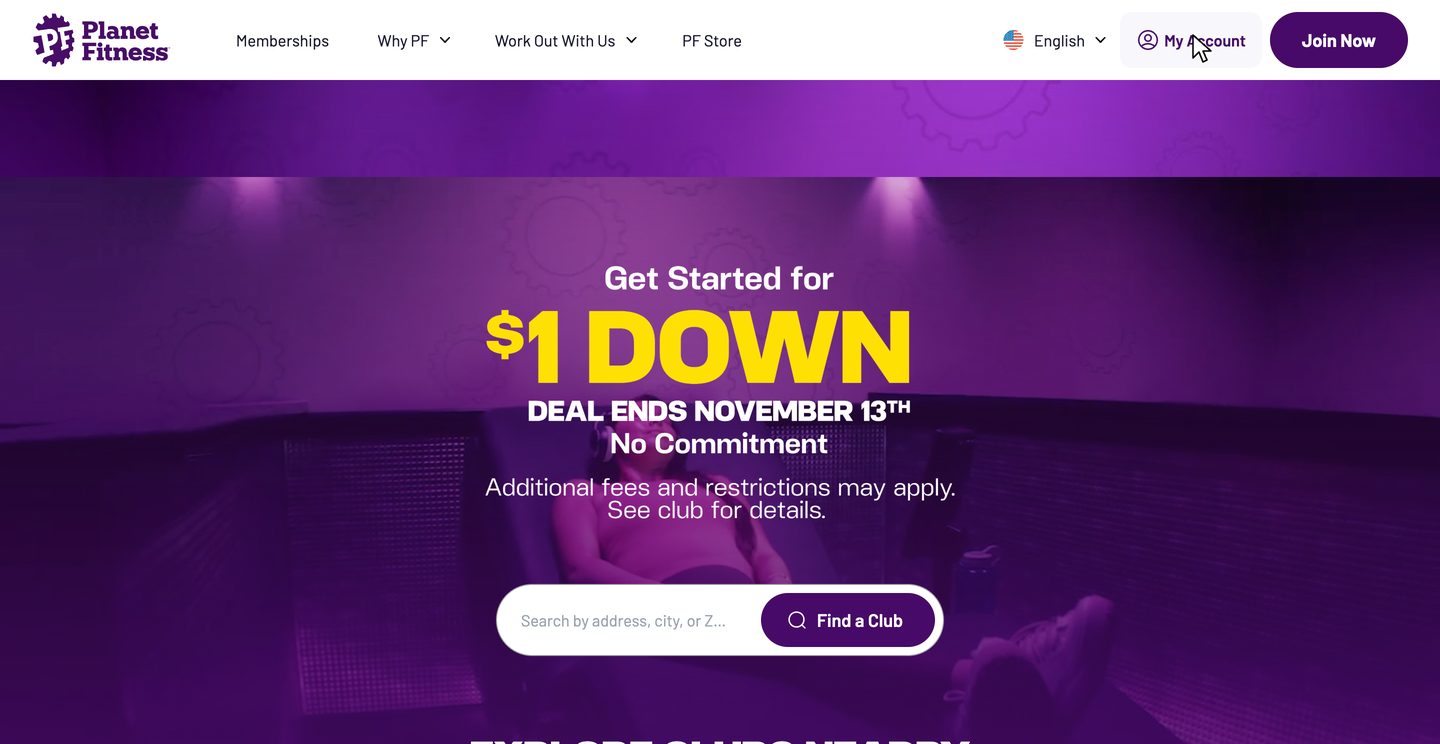
-
2
Log into your account
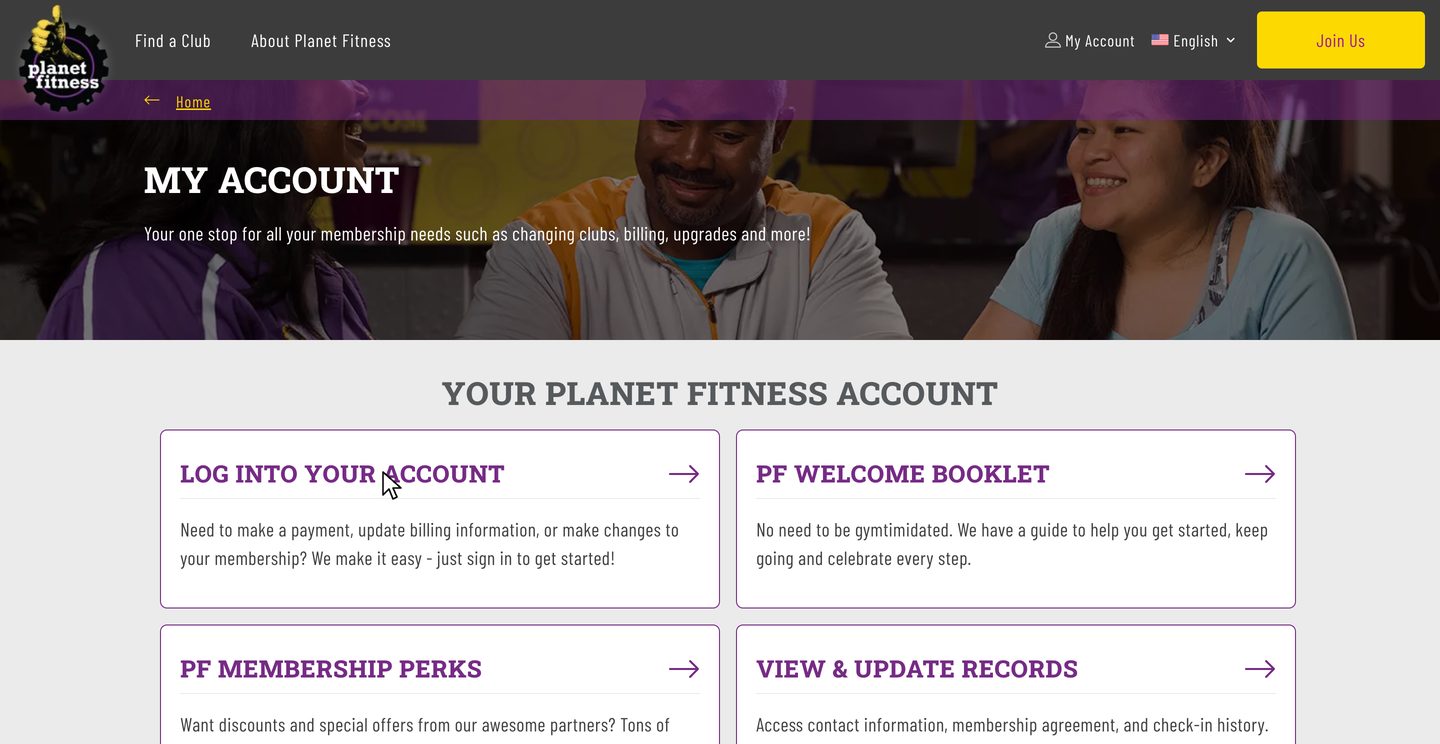
Click Log into your account and sign in. Your profile opens in a new tab.
-
3
Click Manage
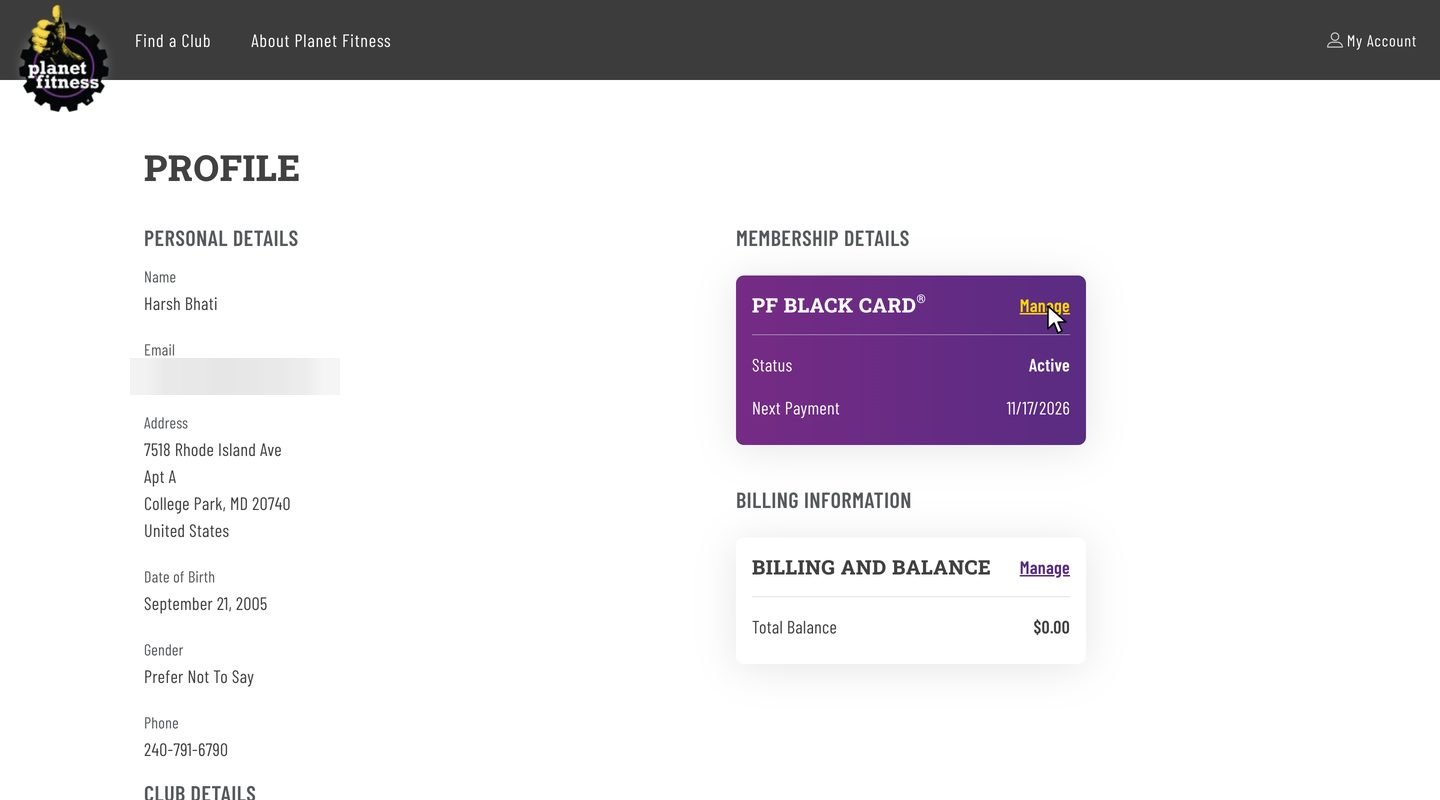
Find your membership under Membership details and click Manage.
-
4
Click Cancel
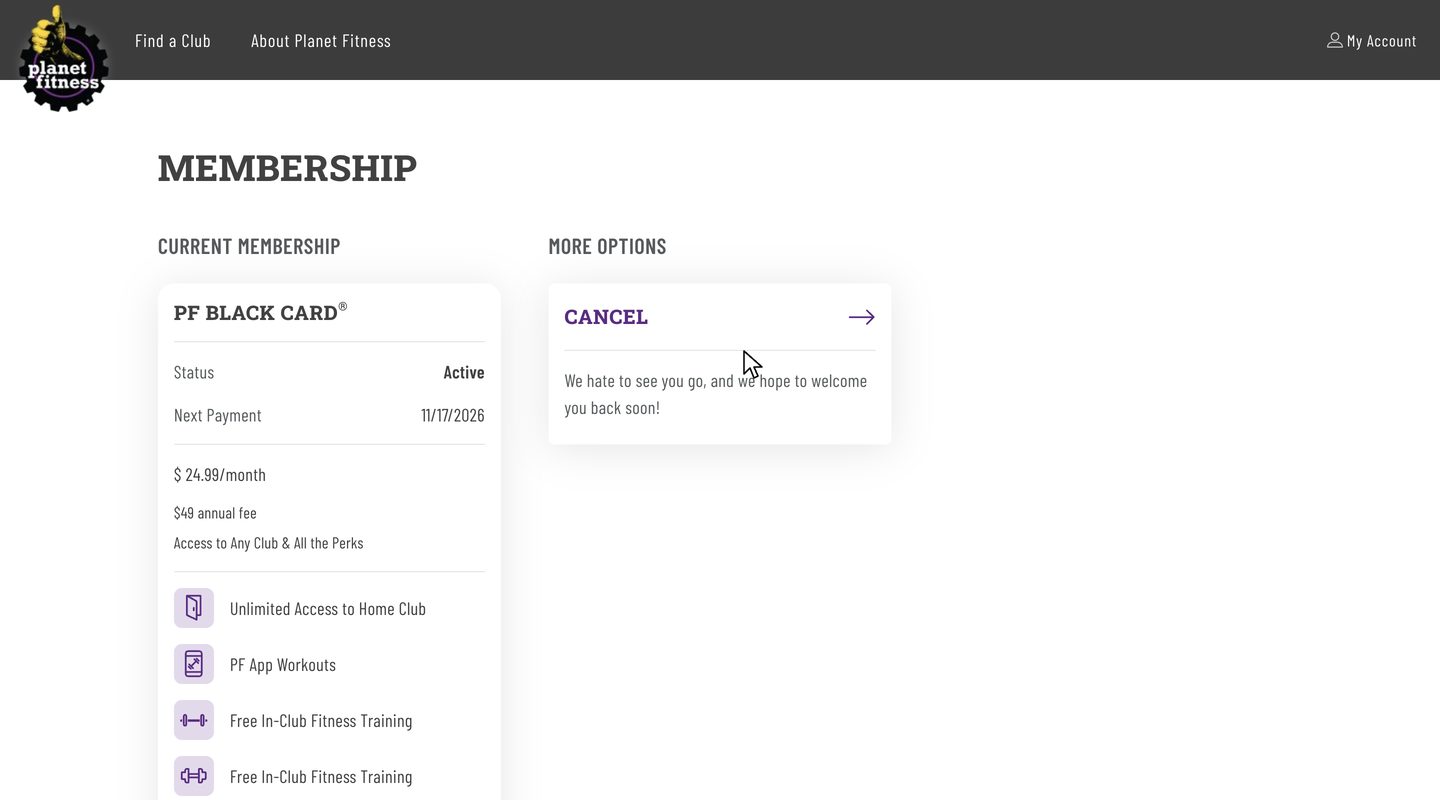
Under More options, click Cancel. The cancel form opens in a new tab.
-
5
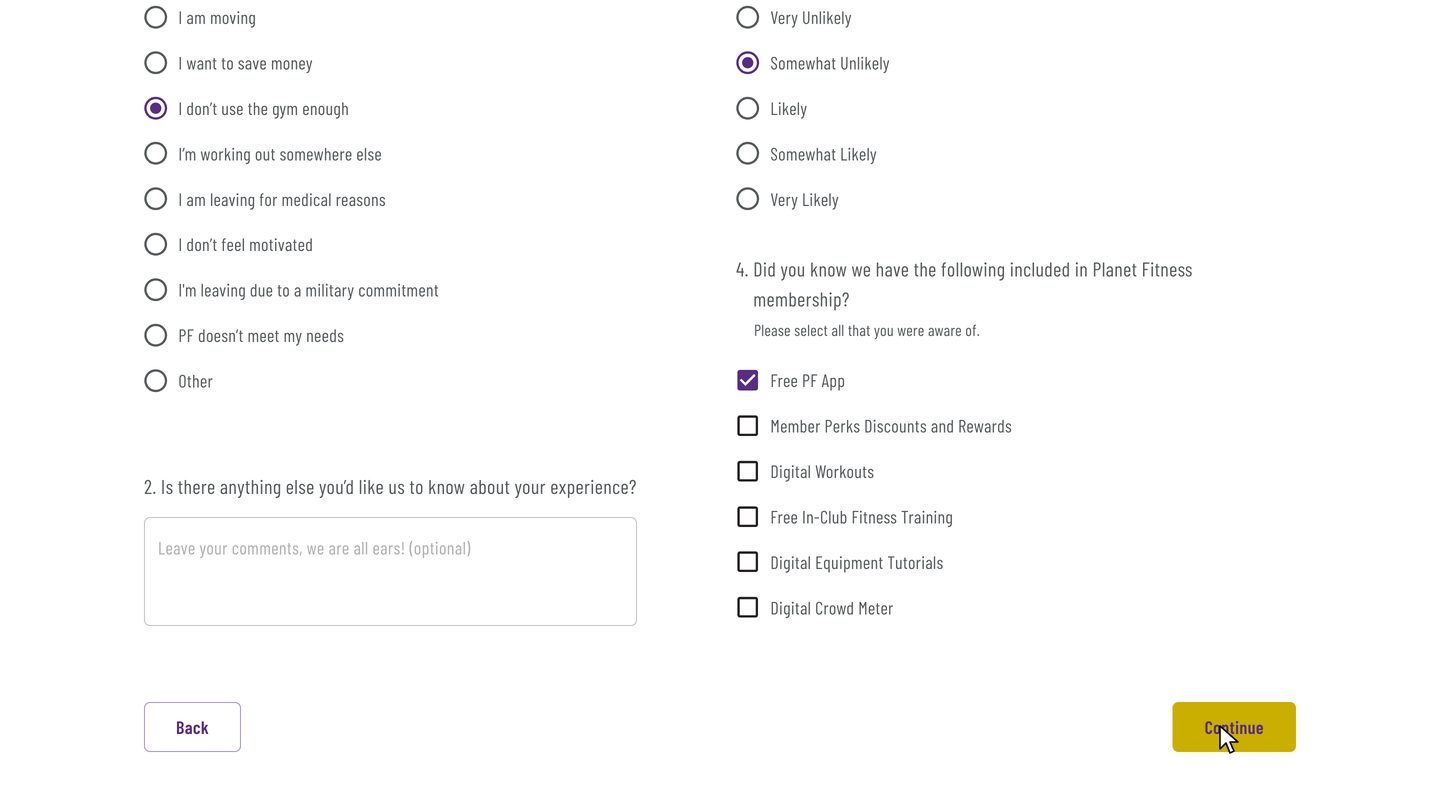
Answer two questions
Pick why you're leaving and how likely you are to come back. The rest is optional. Click Continue.
-
6
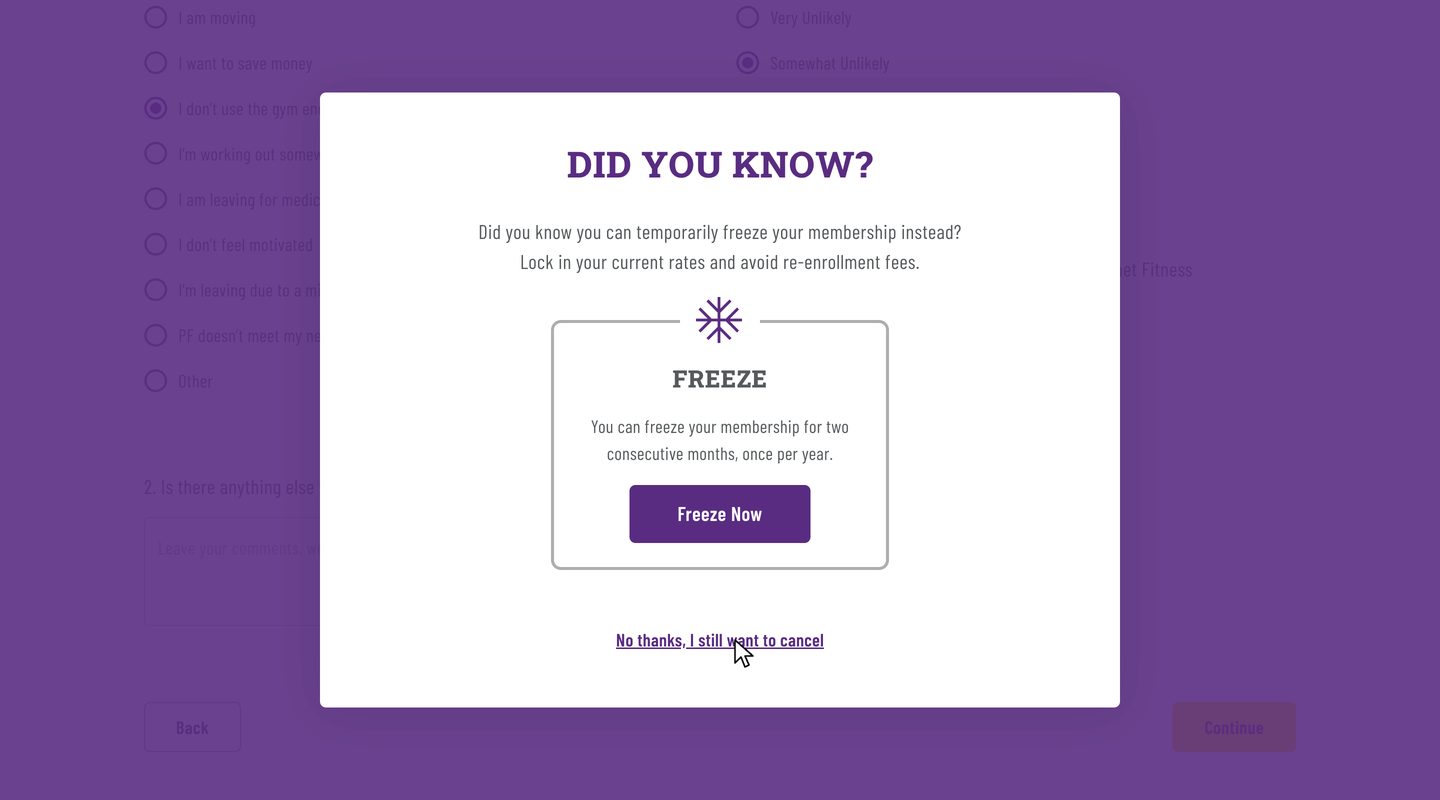
Say no to the freeze
Planet Fitness suggests freezing your membership instead. Click No thanks, I still want to cancel.
-
7
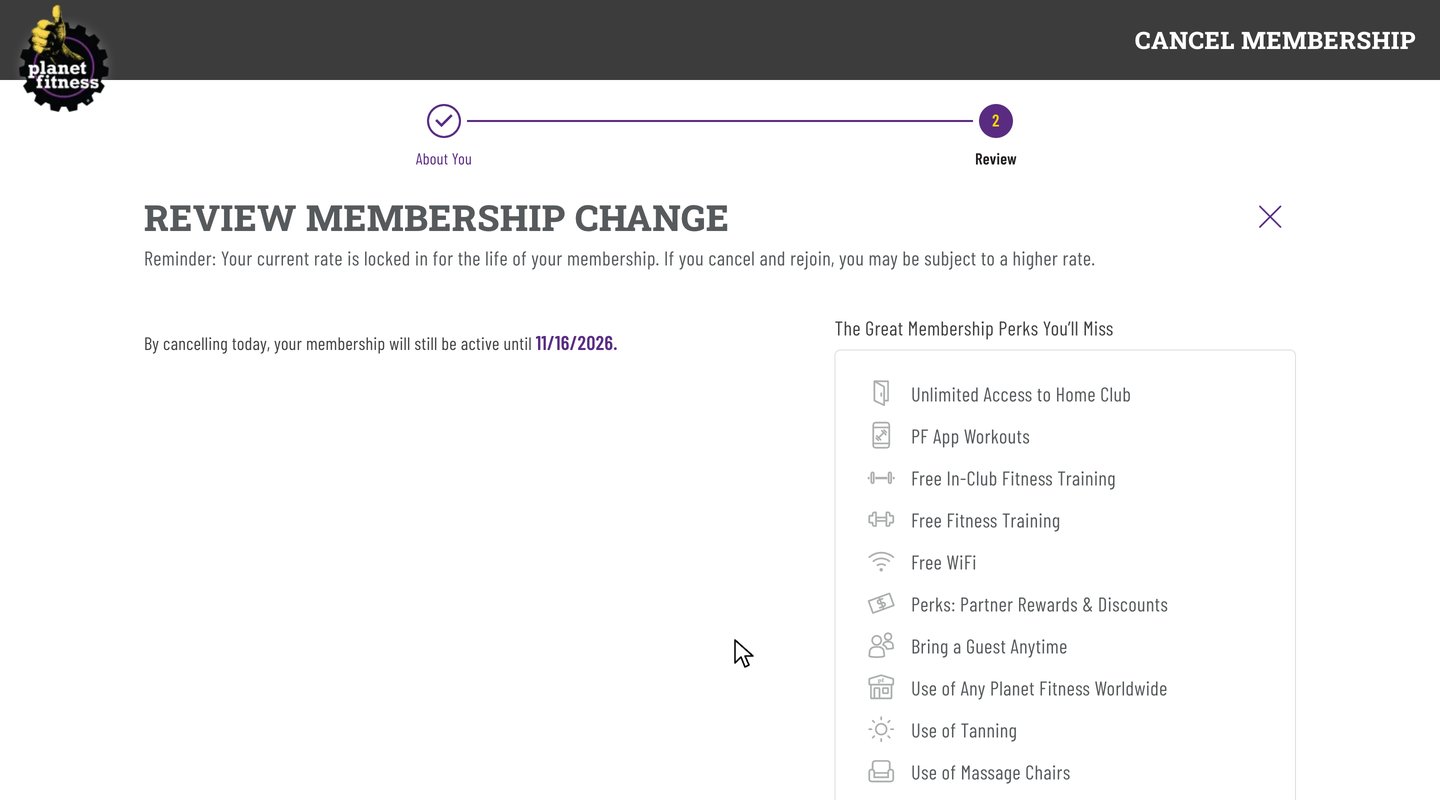
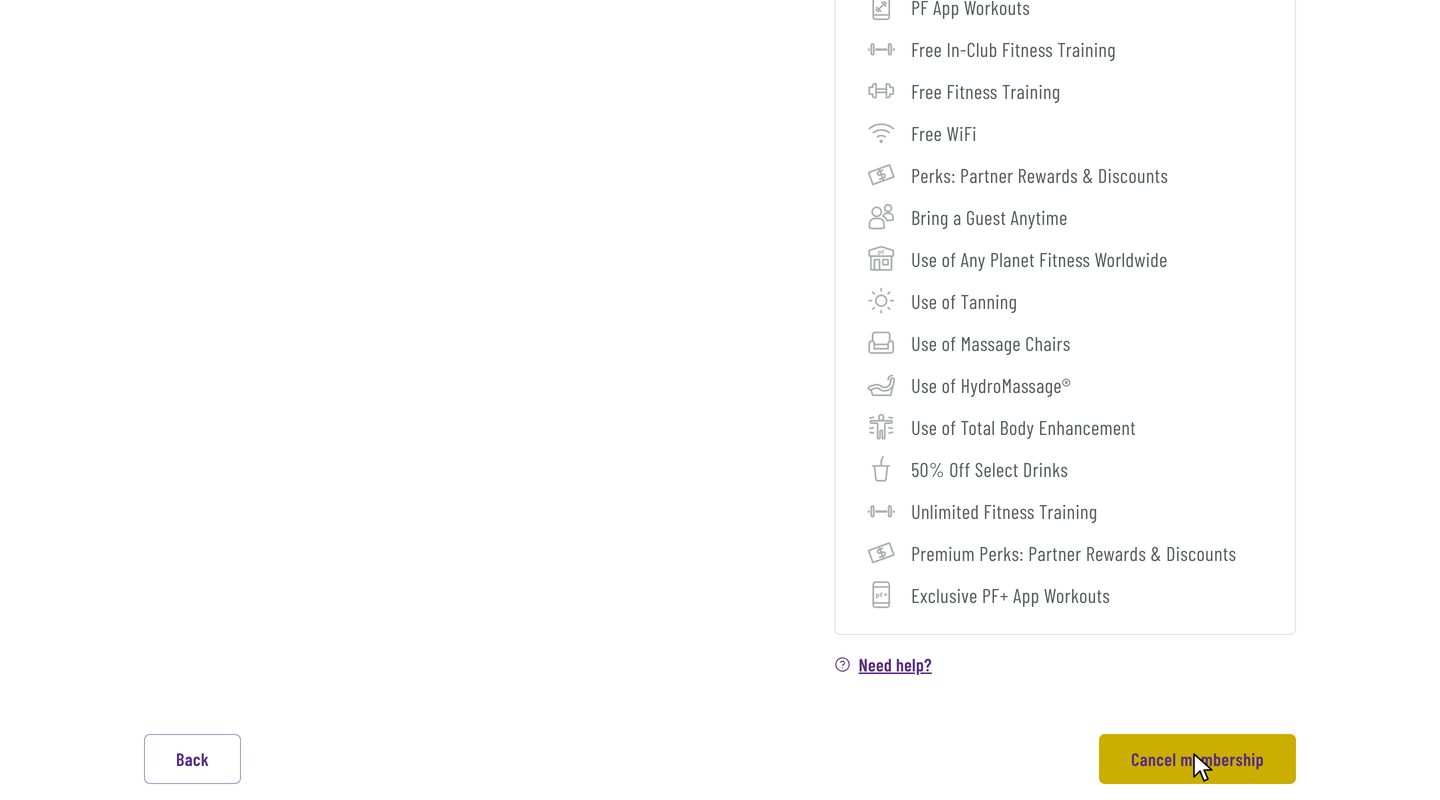
Click Cancel membership
The review page shows when your membership ends. Scroll down and click Cancel membership.
-
8
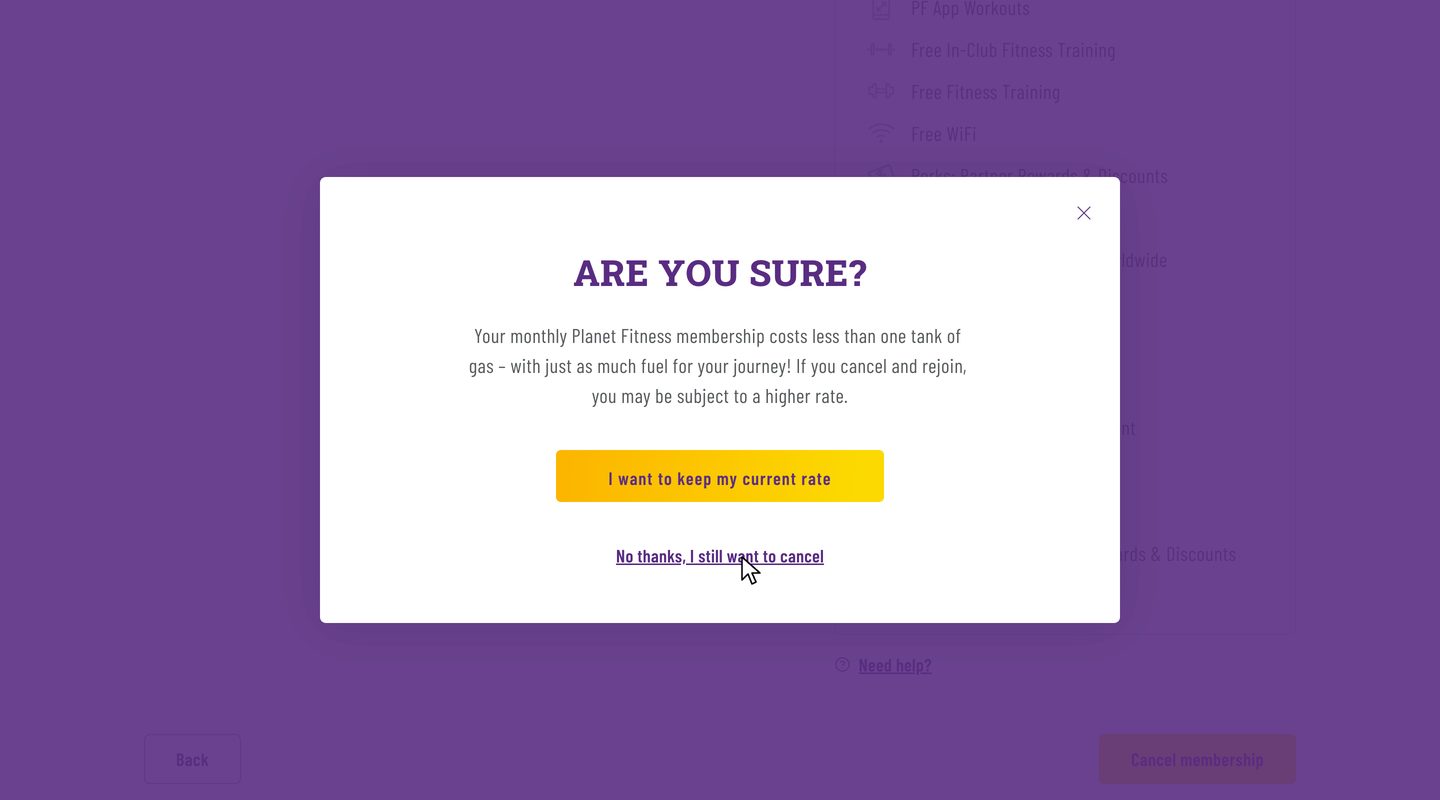
Say no to the rate lock
Planet Fitness offers to keep your current rate. Click No thanks, I still want to cancel. This only closes the pop-up.
-
9
Click Cancel membership again
You're back on the review page. Click Cancel membership one more time. This is the click that cancels.
-
10
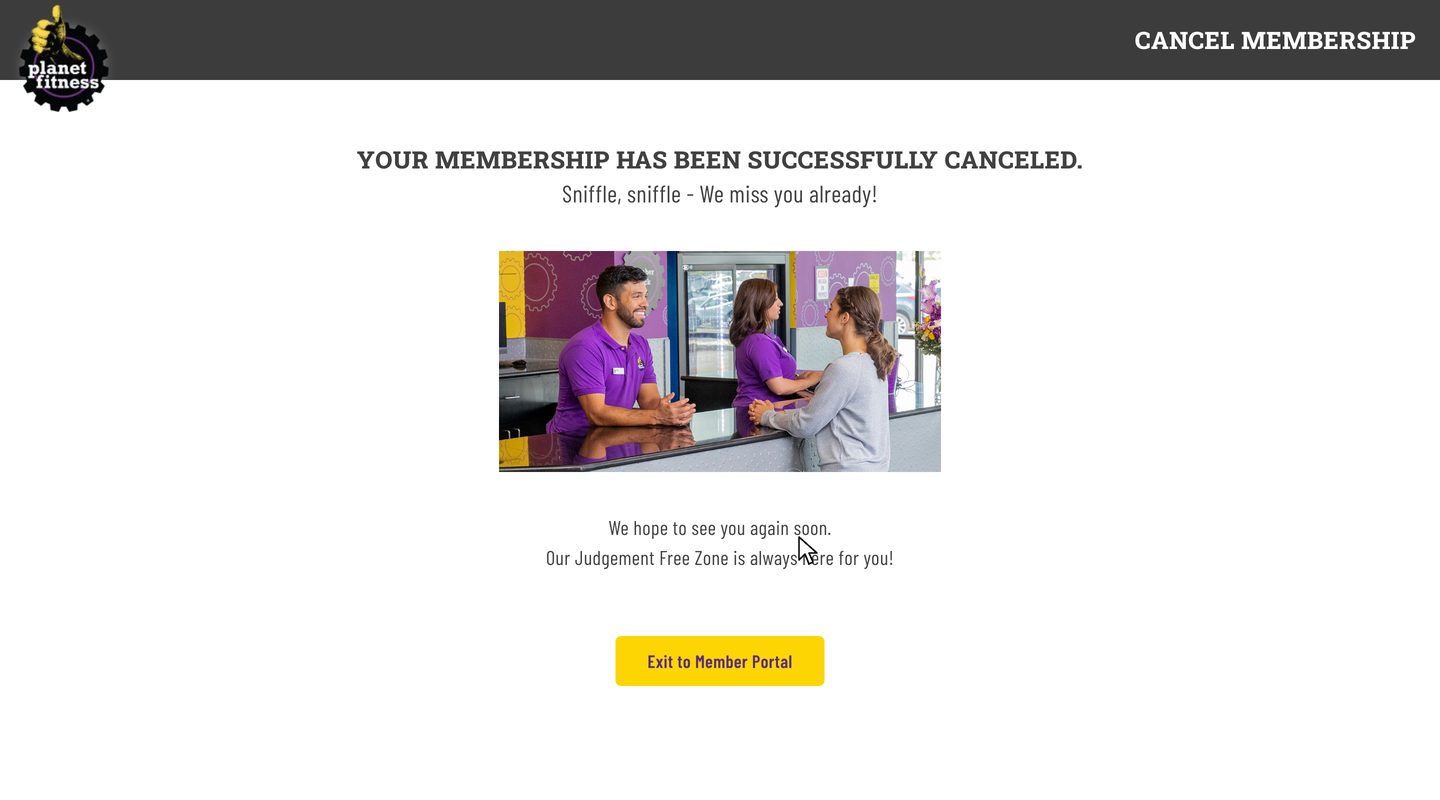
Save the confirmation
Take a screenshot of the confirmation page in case you need proof later.
After you cancel
You keep access until your end date
The review page shows the date. In the recording, access ran until Nov 16.
Your account shows Cancel Scheduled
That's normal. It stays like this until your end date.
Changed your mind?
The website has no undo button. Contact your home club to keep your membership.
Planet Fitness cancellation FAQ
Common questions about canceling Planet Fitness. Sources checked Nov 2, 2026.
Can you cancel Planet Fitness online?
Yes. On planetfitness.com, open My Account, log in, click Manage on your membership, then Cancel. The recorded cancellation took 2 min 13 s. You can also cancel in person at your home club or by mailing it a letter, and some rules vary by state.
How do I cancel in person or by mail?
Go to your home club and ask the front desk to end your membership, or mail a written request to your home club. Either way, ask for confirmation that shows your end date.
Is there a fee to cancel Planet Fitness?
Only if your plan has a minimum term and you leave before it ends. Then Planet Fitness charges a $58 buyout fee. No Commitment memberships can be canceled anytime with no fee.
When should I cancel to avoid the next charge?
At least 7 days before your next billing date. To skip the $49 annual fee, cancel at least 7 days before your annual fee date. You can find both dates in My Account or on your membership agreement.
When does my membership end after I cancel?
The review page shows your end date before you confirm. In the recording, the membership was canceled on Nov 2, and access runs until Nov 16, the day before the next billing date.
Will Planet Fitness try to keep me?
Yes, twice. First it suggests a freeze, then it offers to keep your current rate. Click No thanks, I still want to cancel both times.
Can I freeze my membership instead?
Yes. The freeze offer in the cancel flow lets you freeze for two months in a row, once a year. Click Freeze Now on that pop-up if you'd rather keep your membership.
Why didn't Cancel membership work the first time?
Saying no to the rate lock only closes the pop-up. You're back on the review page, so click Cancel membership again.
Can I cancel in the PF App?
Planet Fitness lists three ways to cancel: the member portal on its website, your home club in person, or a letter to your home club. The app isn't one of them, so use the website.
Can I undo a cancellation?
Not on the website. Contact your home club if you want to keep your membership.
What does zuzu do?
zuzu is an assistant you text. Ask it to cancel Planet Fitness, send it the login code Planet Fitness texts you, and zuzu does the steps above. It texts you when it's done.
Fees, deadlines and the ways to cancel come from Planet Fitness's customer service FAQ and membership page. The rest comes from the recorded cancellation on Nov 2, 2026.
Skip the 2 min 13 s
Text zuzu and it's handled.