 Peacock · Updated Nov 3, 2026
How to cancel Peacock
See every click it takes to cancel Peacock, recorded on a real account.
 ZuzuBusiness Account
Cancel Peacock step by step
You'll need your Peacock login.
-
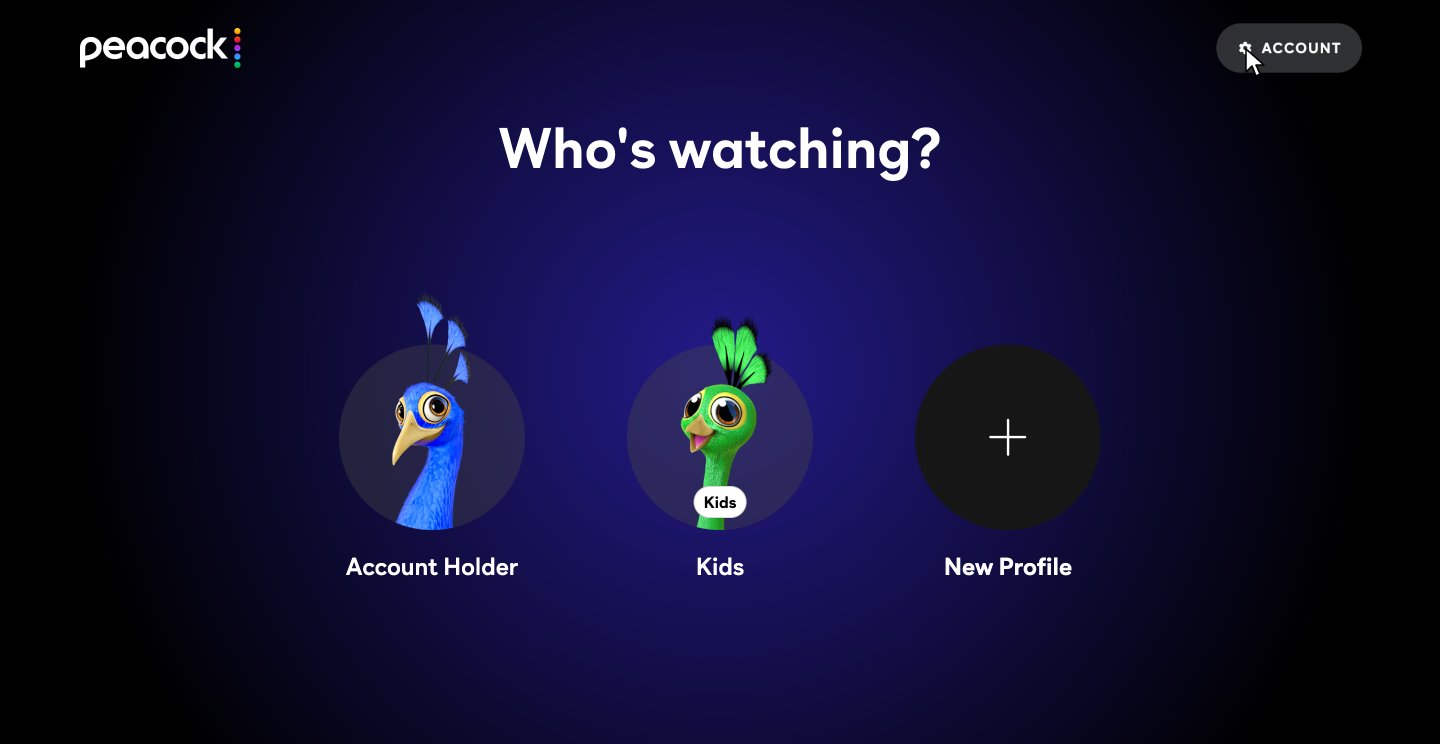
-
2
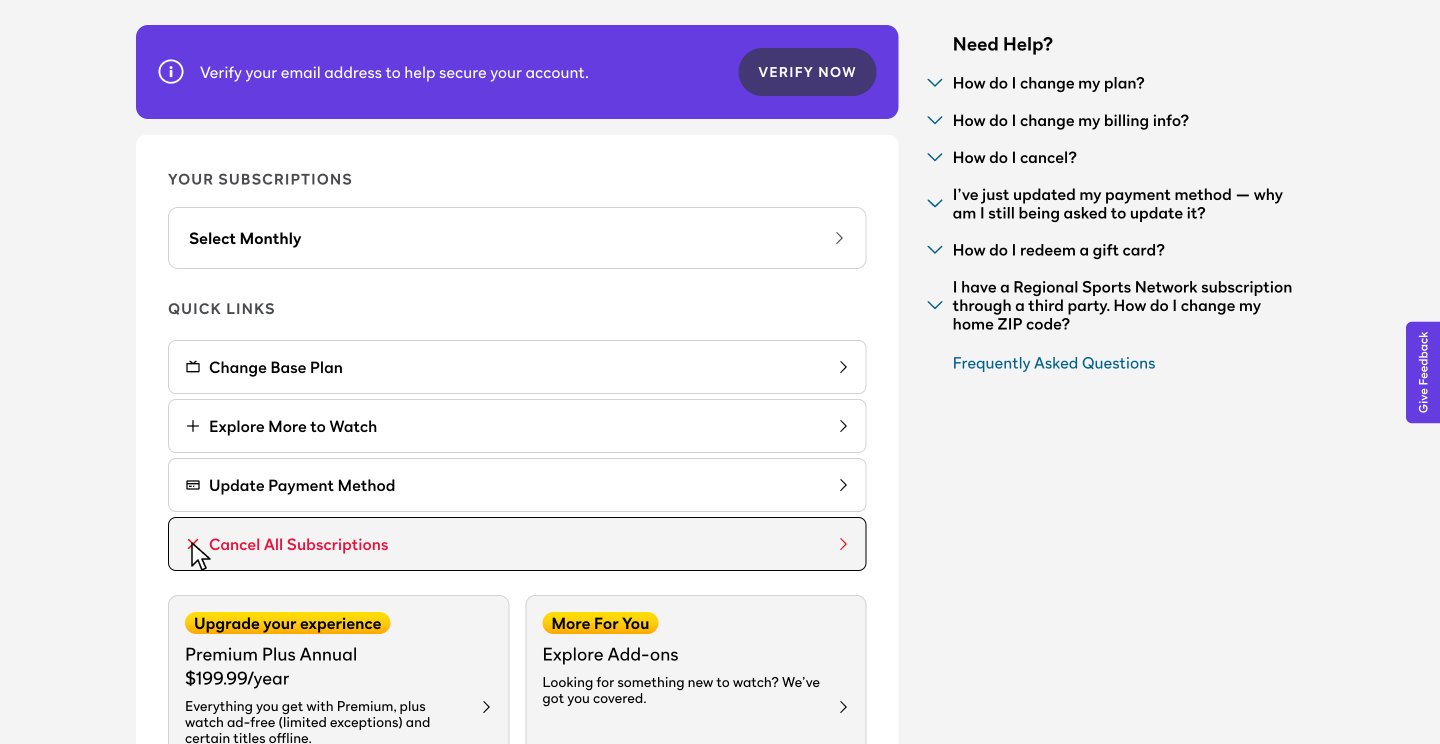
Click Cancel All Subscriptions
Your plan is under Your Subscriptions. Scroll down a little and click Cancel All Subscriptions.
-
3
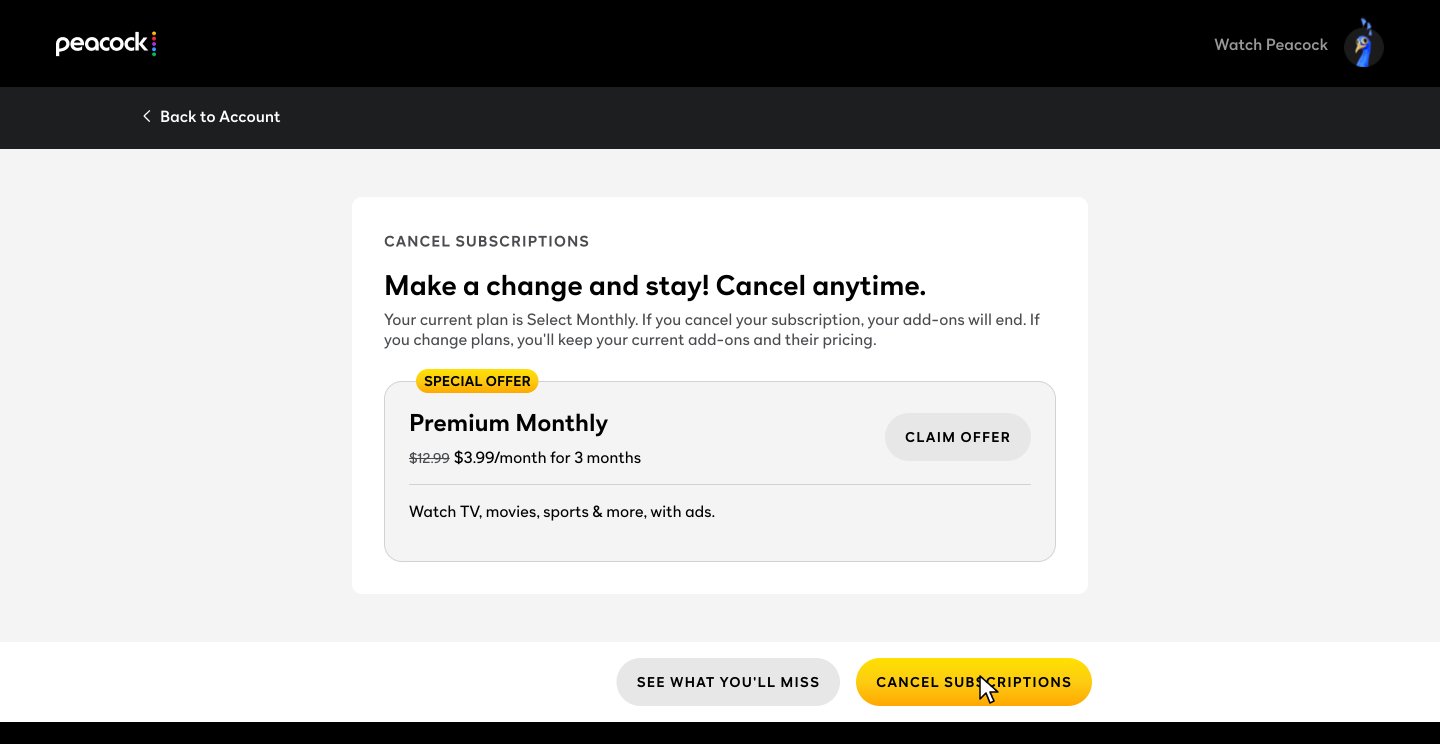
Skip the offer and click Cancel Subscriptions
Peacock offers Premium for $3.99 a month for 3 months. Skip it and click CANCEL SUBSCRIPTIONS at the bottom.
-
4
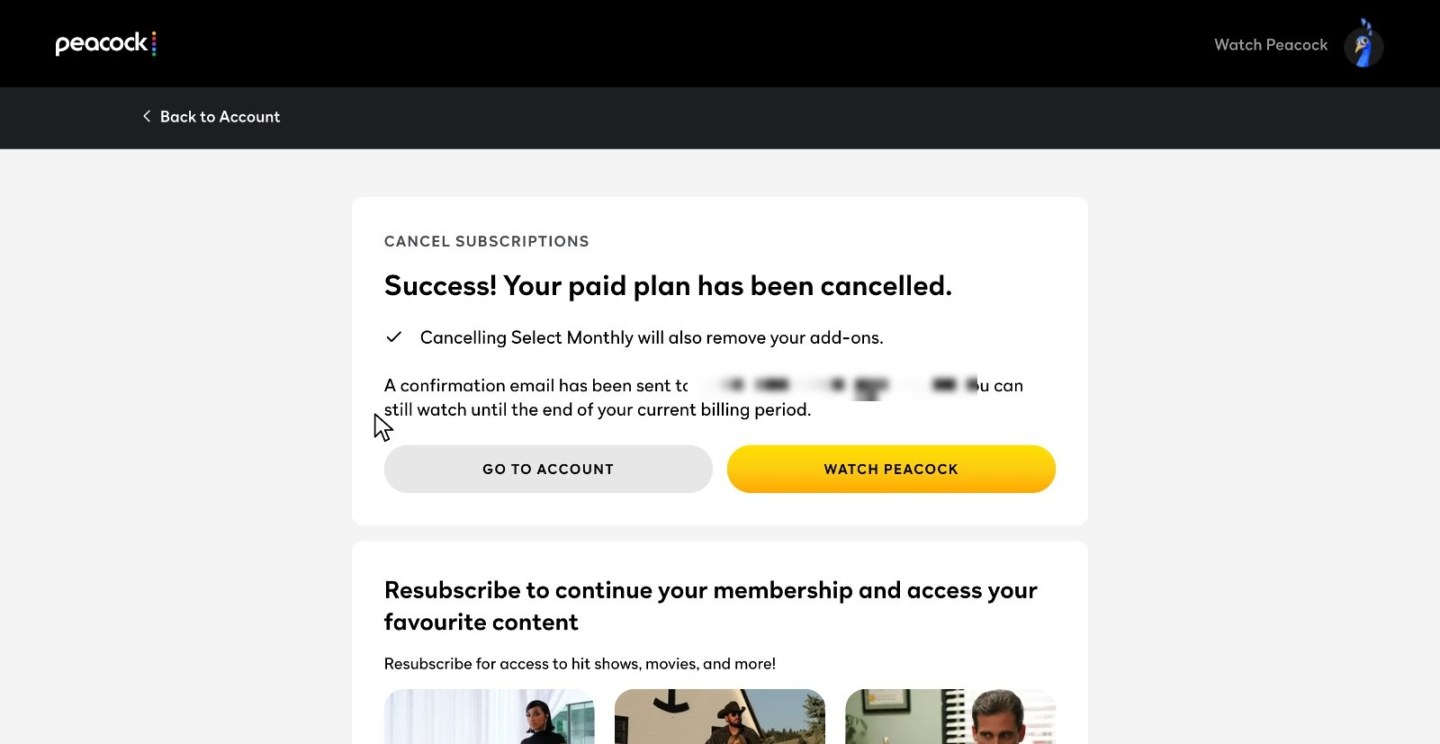
Check the confirmation
Peacock says your paid plan is canceled and you can watch until the end of your billing period. A confirmation email follows.
After you cancel
You keep watching until your billing period ends
The Select Monthly plan in this guide was $8.99 a month plus tax and set to renew on December 3, so access runs until then.
Your add-ons end with your plan
The confirmation page says canceling Select Monthly also removes your add-ons.
The confirmation email can take a few hours
Peacock shows a confirmation on screen right away and says the email may take a few hours.
Peacock cancellation FAQ
Common questions about canceling Peacock. Sources checked Nov 3, 2026.
I signed up through Roku, Apple or Google. How do I cancel?
Cancel through that company. Peacock says that if you subscribed through a third party such as Apple, Google, Roku or Amazon, you must contact that company directly, because Peacock can't cancel those plans. Your payment method on the Account page shows how you're billed.
Do I keep Peacock until my billing date?
Yes. After the cancellation in the recording, Peacock said "You can still watch until the end of your current billing period." That plan was set to renew on December 3, so access runs until then.
Will I be charged again after I cancel?
Not for that plan. Peacock says your plan will not renew at the end of your subscription term.
Will Peacock try to keep me?
Yes, once. The cancel page is headed "Make a change and stay! Cancel anytime." and shows a special offer of Premium Monthly for $3.99 a month for 3 months, down from $12.99, with a CLAIM OFFER button. To leave, skip it and click CANCEL SUBSCRIPTIONS at the bottom.
What happens to my add-ons?
They end with your plan. Peacock says add-ons are removed automatically when your base plan ends, and the confirmation page in the recording said "Cancelling Select Monthly will also remove your add-ons." If you pay through Roku, Apple or Google, Peacock says to remove them in that company's subscription manager.
When will I get the confirmation email?
Peacock says the confirmation email may take a few hours. The on-screen confirmation shows right away, and in the recording it said the email had been sent to the address on the account.
Can I change my plan instead of canceling?
Yes. If you pay Peacock directly, click Change Base Plan under QUICK LINKS on the Account page and pick a plan. The plans offered in the recording cost more than Select, so check prices first. The cancel page says that if you change plans, you keep your current add-ons and their pricing. If you pay through Roku, Apple or Google, Peacock says to select Change under Your Subscriptions on that device.
What does zuzu do?
zuzu is an assistant you text. Ask it to cancel Peacock and it does the steps above, then texts you when it's done.
Ways to cancel through other platforms, confirmation emails, add-ons and renewal come from Peacock's help article on canceling, and the plan's price and renewal date come from the purchase confirmation. The rest comes from the recorded cancellation on Nov 3, 2026.
Skip the 20 s
Text zuzu and it's handled.